[cover: Star of the Morning, painting by Nicholas Roerich, 1932.]
The GREAT INVOCATION Community
The establishment of genuine, harmonious right human relations has never been as urgent in human history as it is today. There are no alternative solutions capable of resolving the profound problems of our time, which stem from the clash between the “new” that is striving to emerge and the “old” that strenuously tries to hinder its progress. Beyond appearances, the true challenge facing Humanity is the advancement of its own consciousness—a necessary step toward approaching the threshold that leads to the discovery of “new knowledge.” Never before has this goal seemed so within reach! It is in this context that the most sensitive men and women, capable of sensing the breath of change, find a precious opportunity in the initiative proposed by this App. The daily and shared use of the Great Invocation can serve as a powerful lever to channel collective efforts toward the establishment of right human relations.
Tips for Group Action
- If possible, just before 12 noon, withdraw for a few minutes to a place where you can sit comfortably. Otherwise, use your ability to abstract yourself while remaining physically aware of your surroundings.
- If you prefer, and if possible, you can also recite the Great Invocation out loud or in a whisper.
- Before you begin, spend a few seconds regulating your breathing and establishing inner alignment. Try to raise your vibration as high as possible.
- Then, mentally connect with members of the Community in your geographical area who, like you, are performing the same steps at that moment.
- Having taken our place in the Community, we begin to recite the Great Invocation together, imagining that our united voices generate a powerful, harmonious and luminous choral sound.
- We give life to the words of the stanzas as we recite them; we visualize what we are invoking using our creative imagination.
- At the end of each stanza, we take a short break before moving on to the next stanza.
- At the end, we conclude the Great Invocation by intoning OM three times, as we send our thoughts of light and love to all beings and creatures of the Earth.
- Finally, we send our respectful regards to the Masters of the Spiritual Hierarchy and then to all the brothers and sisters of the Community throughout the world.
App Instructions
1. 3D Map of the Earth.
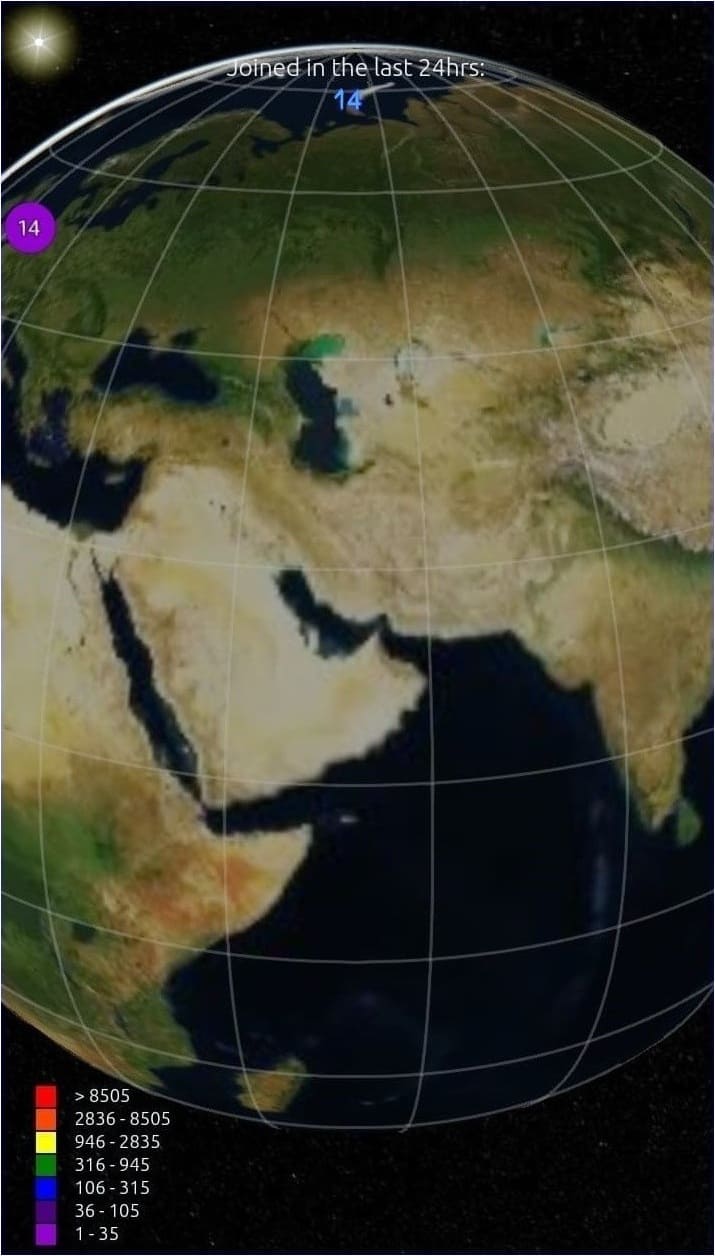
When the App is opened, the surface of the Earth that is facing the Sun at that time is displayed. The gold-colored line in the center indicates the meridian of natural solar noon. The area to the right of the line is the one that, as the Earth rotates, has most recently been exposed to the Sun, while the area to the left will be next in line. The number displayed at the top indicates the number of JOINs made by the Community in the last 24 hours. Rotating the Earth to the left through one full rotation will display the markers for all JOINs, starting with the most recent ones.
2. Geographic Grid System & Markers.
1st level:
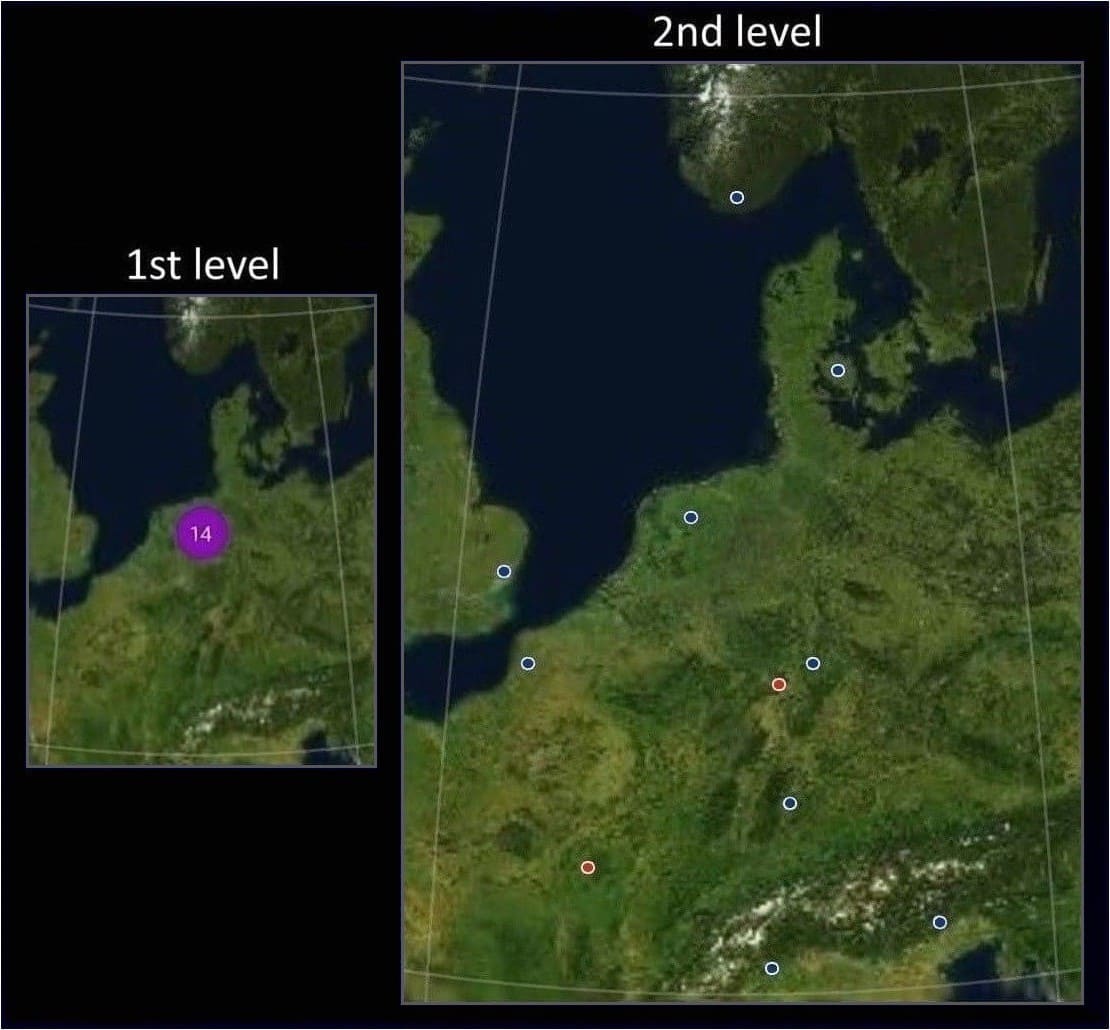
To visualise the participation of the Community across the Earth's surface, a geographical grid system consisting of 288 cells is used, formed by the intersection of 24 meridians and 12 parallels. The markers at the centre of each cell display the total number of JOINs made within that geographical area. Depending on the total count, the markers may appear in different colours. (A reference table is displayed in the lower-left corner.)
2nd level:
To examine individual JOINs in detail, zoom in on the specific area of interest until the cell marker disappears and is replaced by the individual markers indicating the geographical locations from which the JOINs originated.
3. How to Make the JOIN.
To participate, one must press "JOIN", the button located at the bottom of the Earth page. The button becomes active at 12 noon and can be used within the following 12 hours (in case a network connection is unavailable after reciting the Great Invocation.)
To the right of the button is the option to select the number of participants (up to a maximum of 7) in a group. In this case, the marker will be displayed in red to distinguish it from the blue marker, which is assigned to a standard JOIN for a single person.
4. Buttons.

- a. Extracts From Spiritual Teachings ► View articles (item 6);
- b. Refresh ► Updates the page;
- c. Geographical grid ► Enables or disables the display;
- d. JOIN ► Submits a JOIN request;
- e. No. ► Selects the number of participants in the JOIN;
- f. Viewfinder ► Displays your own marker in yellow.
5. Set Reminder.
By pressing the button  at the top right of the Menu page, you can set a preferred time for an automatic notification to alert you as 12 noon approaches.
Note:
In countries that observe daylight saving time, remember to adjust the time on the day the clocks change.
6. Extracts From Spiritual Teachings.
From the Earth page:
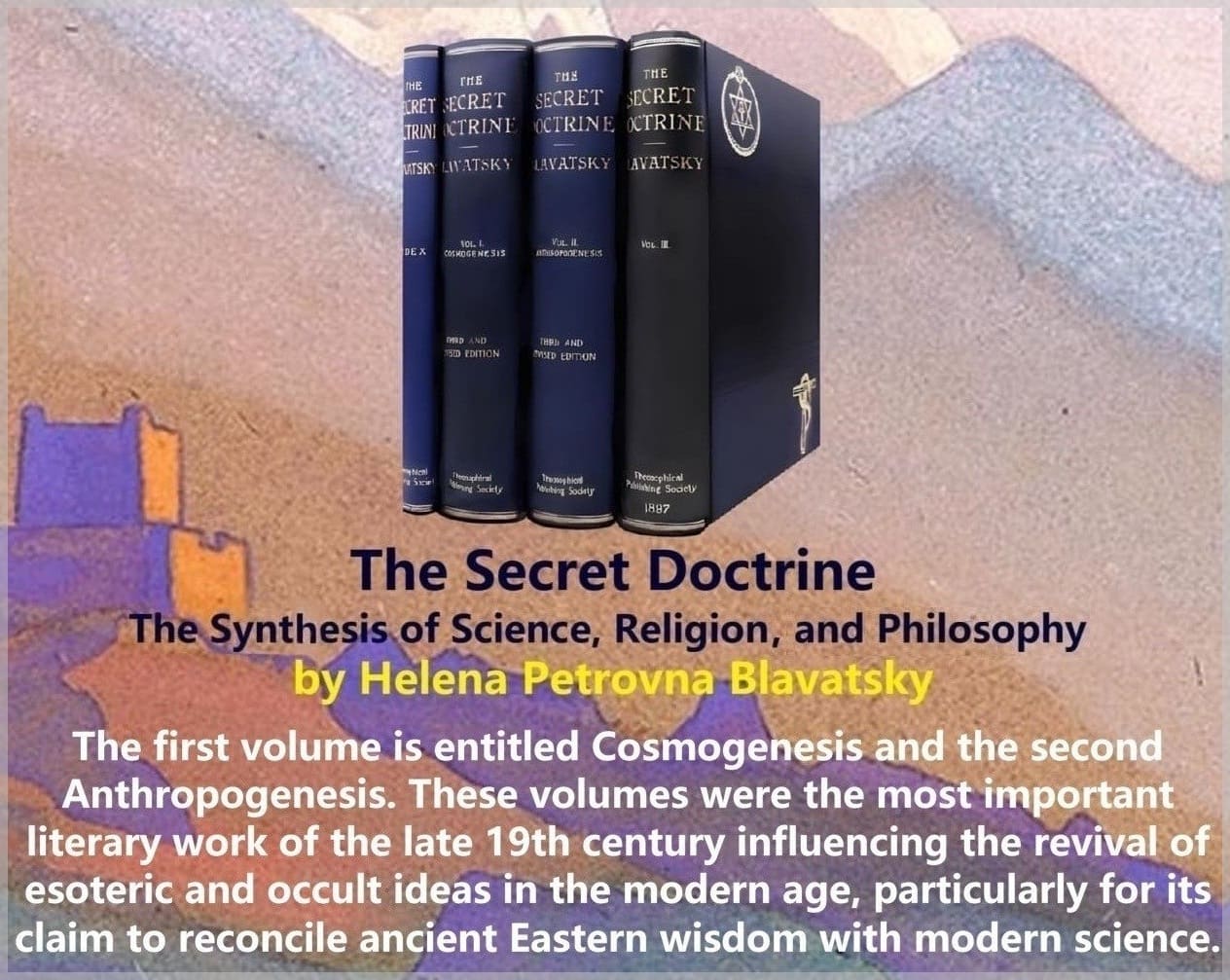
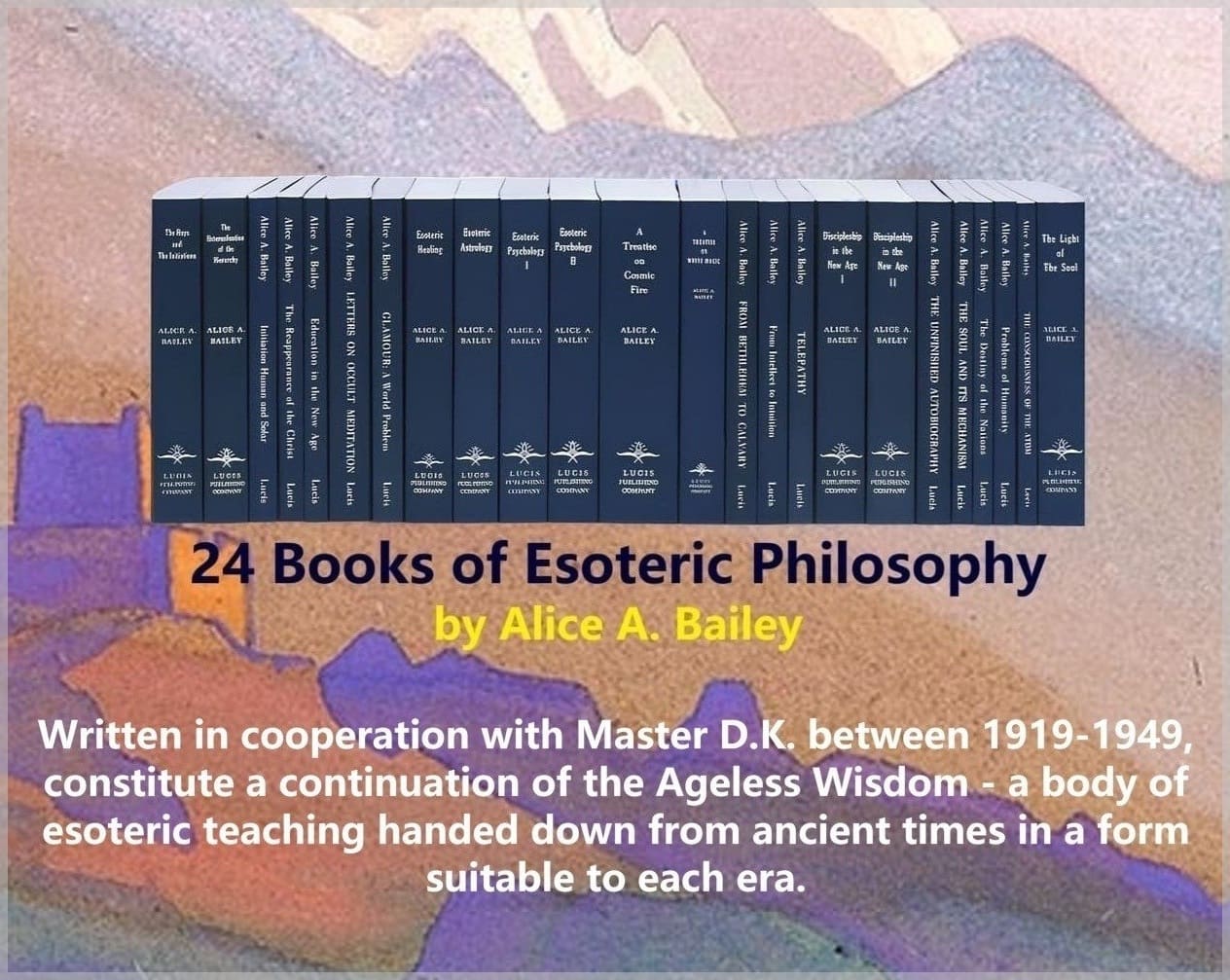
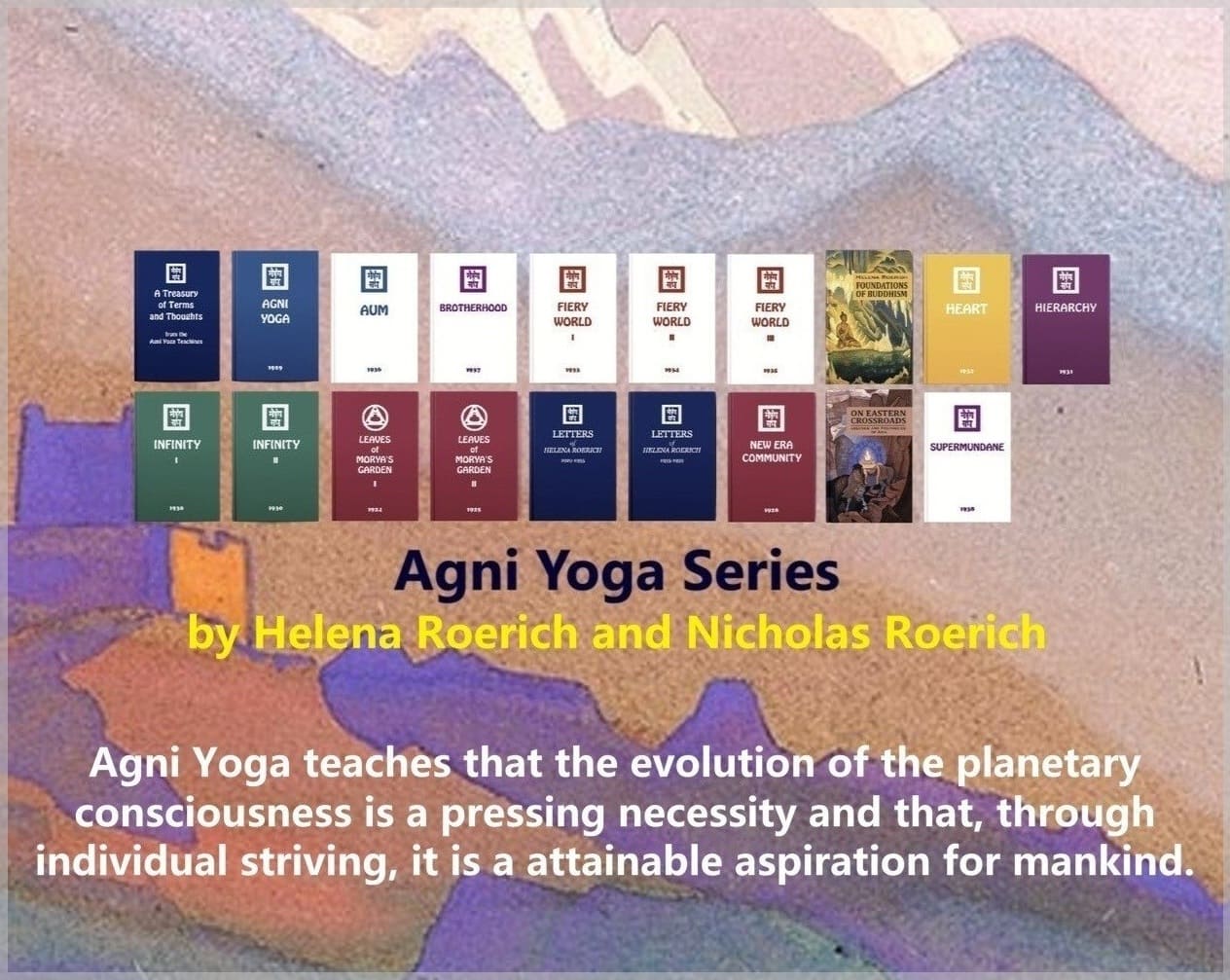
This button provides access to articles on esoteric philosophy and yoga, arranged by publication date, with the most recent first. Each page displays the covers of twelve articles. Beneath each cover image is a description of the subject covered, followed by the article title. Clicking on the title takes you to the article. The page numbers at the top allow you to navigate between pages of article covers. To return to the Earth page, you can either scroll down the current page or use the X icon at the top. A red dot on the button indicates that a new article has been published within the last week.
From the Menu page:
Here, however, you can browse articles organised by topic through the Extracts From Spiritual Teachings submenu. Within each topic, the articles are arranged by publication date, with the most recent first.
In addition, for articles containing extracts from books published by the Lucis Trust and the Agni Yoga Society, a link is provided allowing readers to continue reading the original texts online, free of charge, on the respective websites.
7. Translation.
Full text:
Pressing the button  above the title within the article, the full text is displayed on a new page in the smartphone's default browser. To enable automatic translation from English into your own language, you must select that language in the browser settings. In the example below, the Chrome browser is used, with Traditional Chinese selected as the translation language.
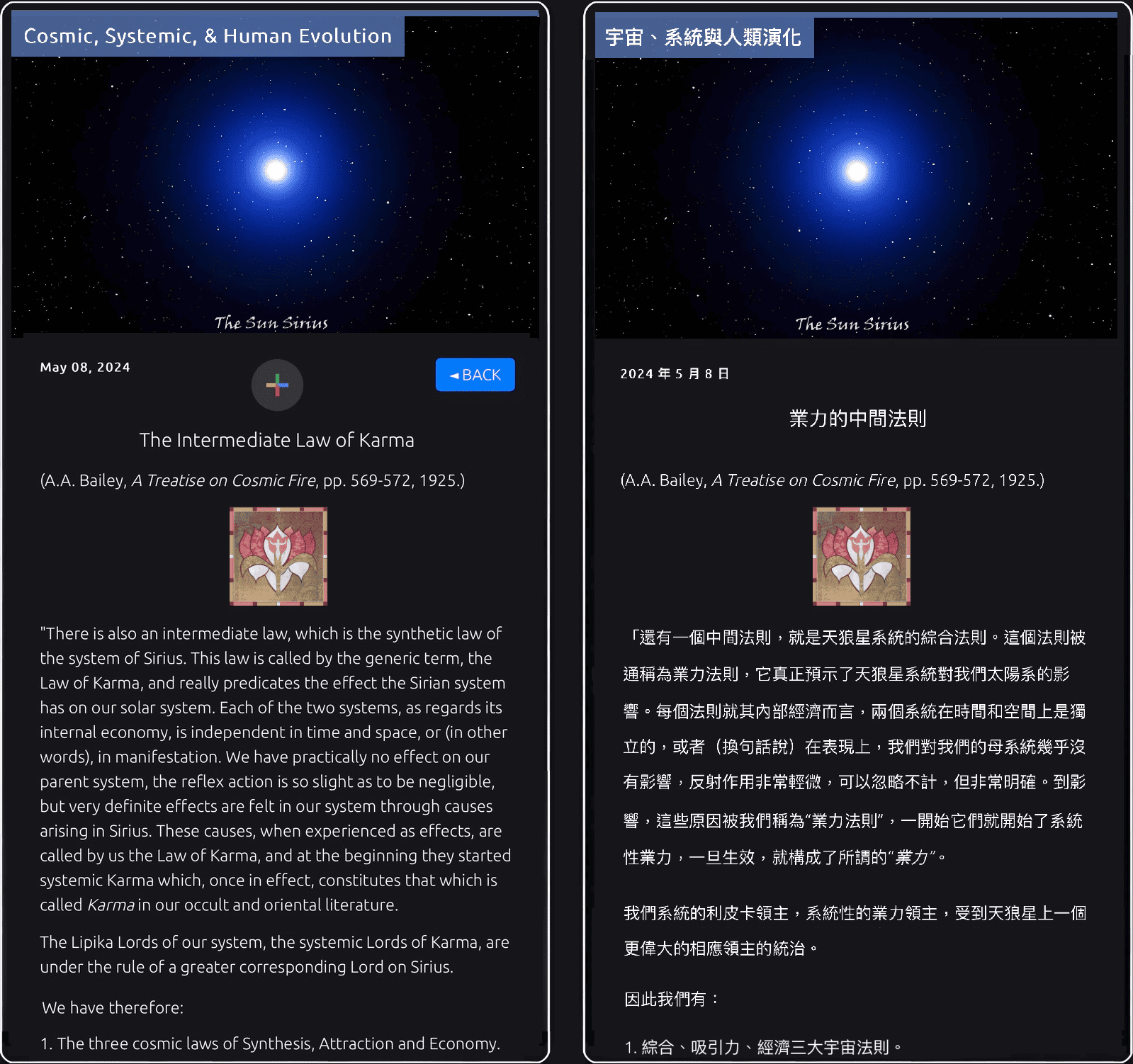
Instructions for setting up the translator: 
Parzial text:
By selecting the text to be translated and pressing the Translate button, the translated page is displayed. To use this feature, a translation app must be installed on the smartphone. In the example below, the free version of DeepL was used, with Italian selected as the translation language.

8. Backgroud Music.
By pressing the button  at the top of the article, a playlist of music tracks is displayed, which can be played in the background while reading.
9. Download.
For the benefit of students of esoteric philosophy, this section allows them to download the works of H.P. Blavatsky and A.A. Bailey, each compiled into a single PDF file. This format makes it easier to search for specific words or phrases and to gather all the study materials on a given topic in one place.
|
Blavatsky file (88.0 MB) |
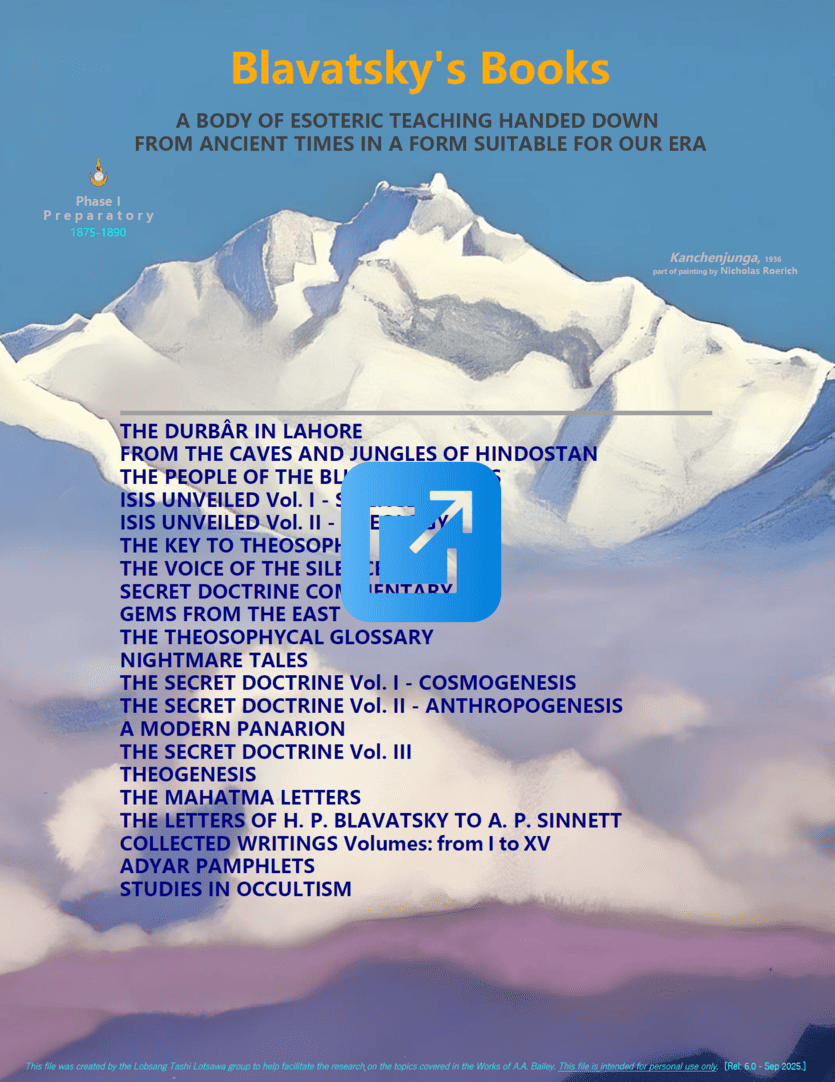 |
|
Bailey file (38.7 MB) |
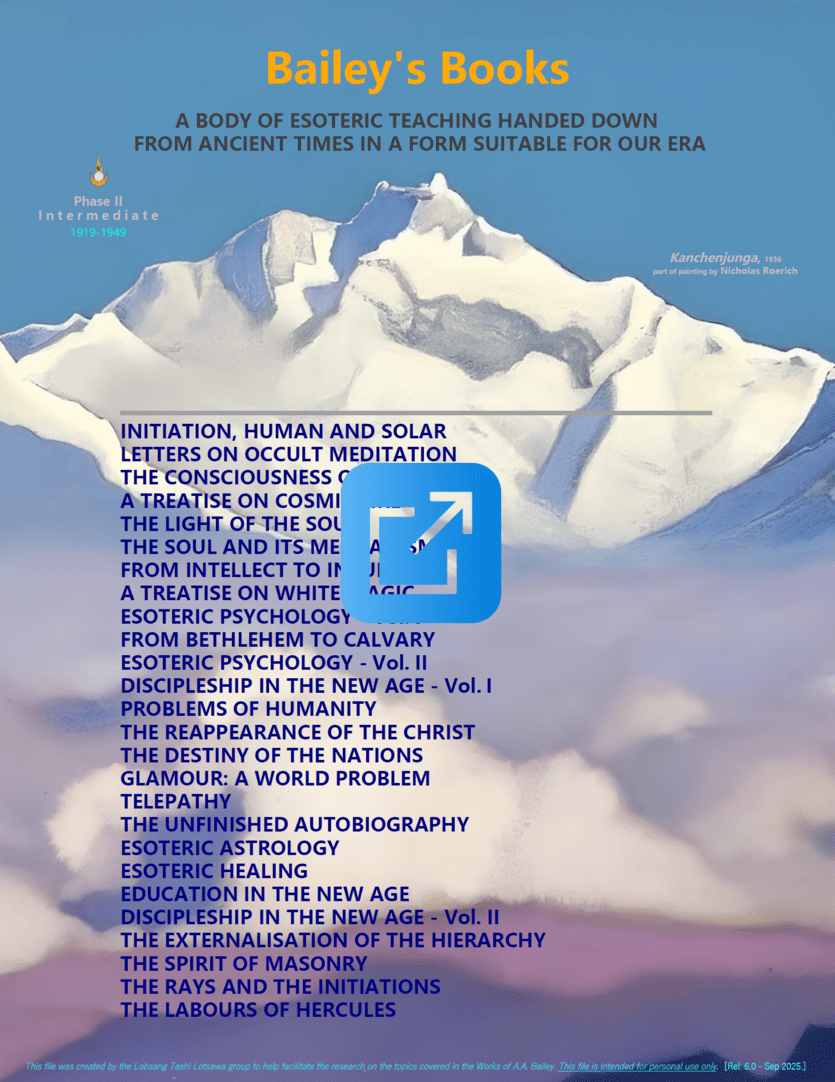 |
The files are intended for personal use only.
10. Privacy Policy.
Click on Privacy Policy to learn more about our policies for protecting your Personal Data.
Final note:
If you encounter any App malfunctions or errors in the articles covered, please contact us at: contactus@luxoclock.org. We will do our best to resolve the issues you report as soon as possible.
You can also use this email address if you need assistance or would like to share ideas and initiatives to help promote the App.
Thank you!

Energy Follows Thought